HappyMod main logo

HappyMod Official

100% working 100% safe latest version : 3.2.6 size : 20MB

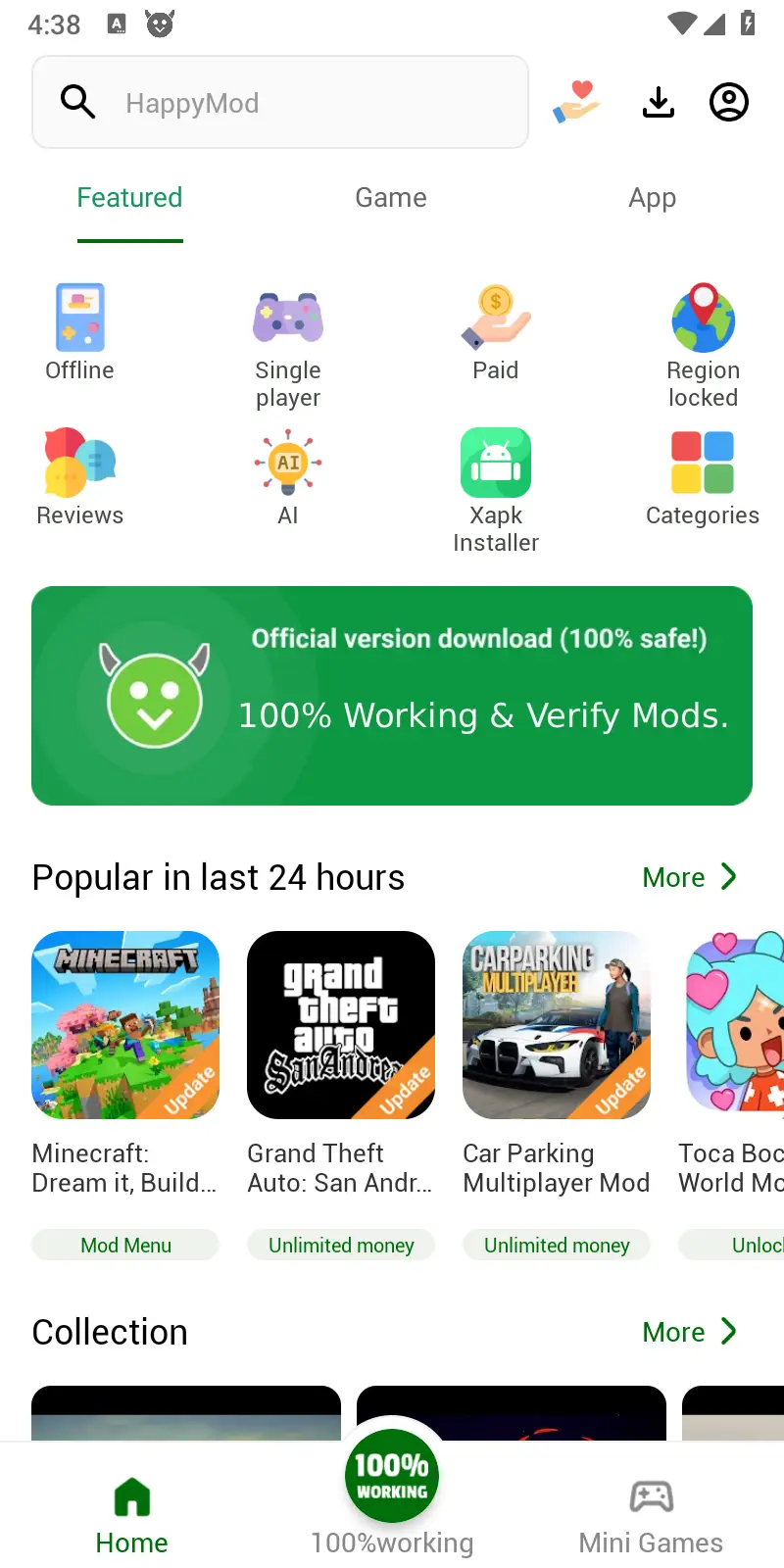
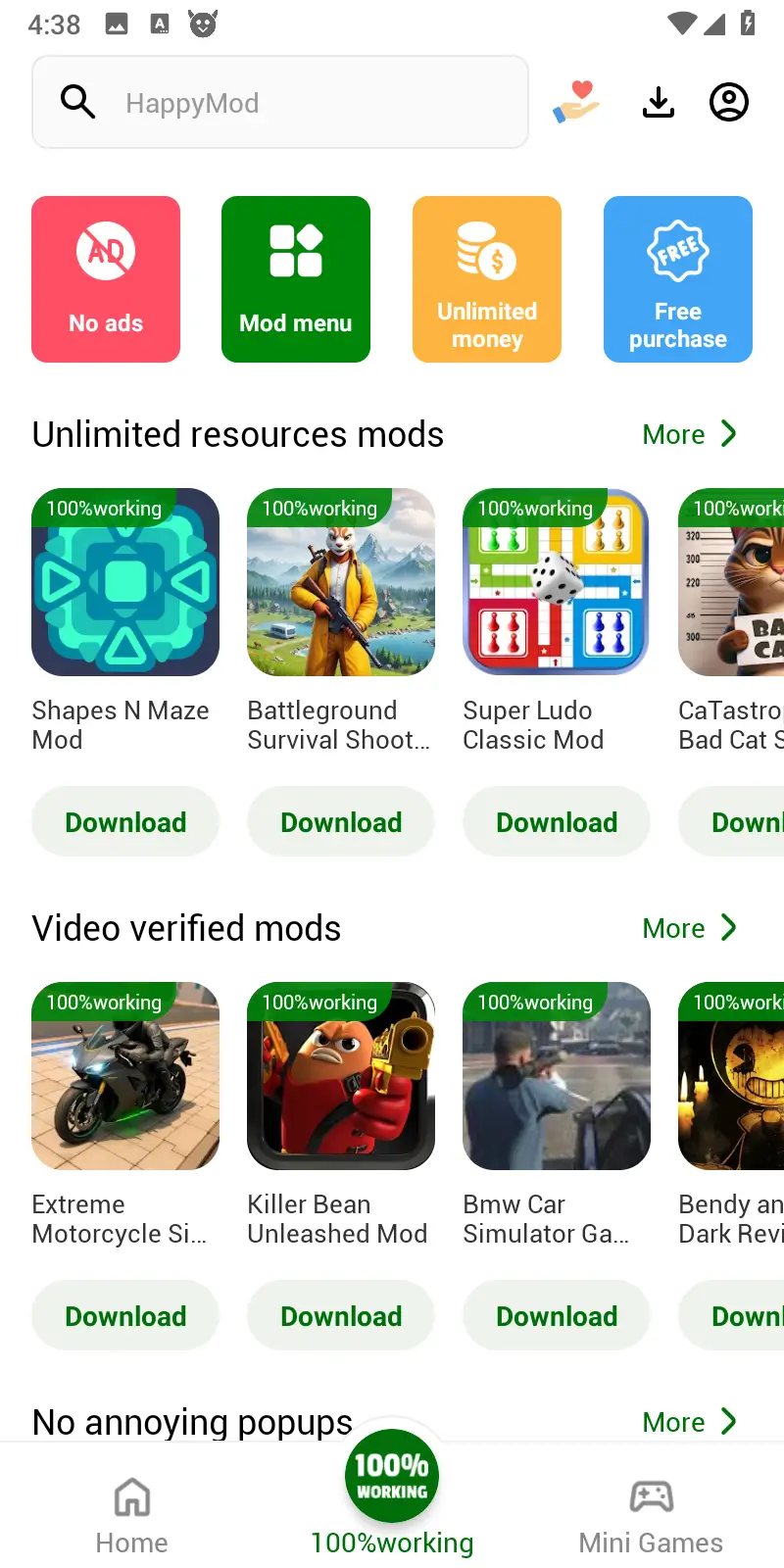
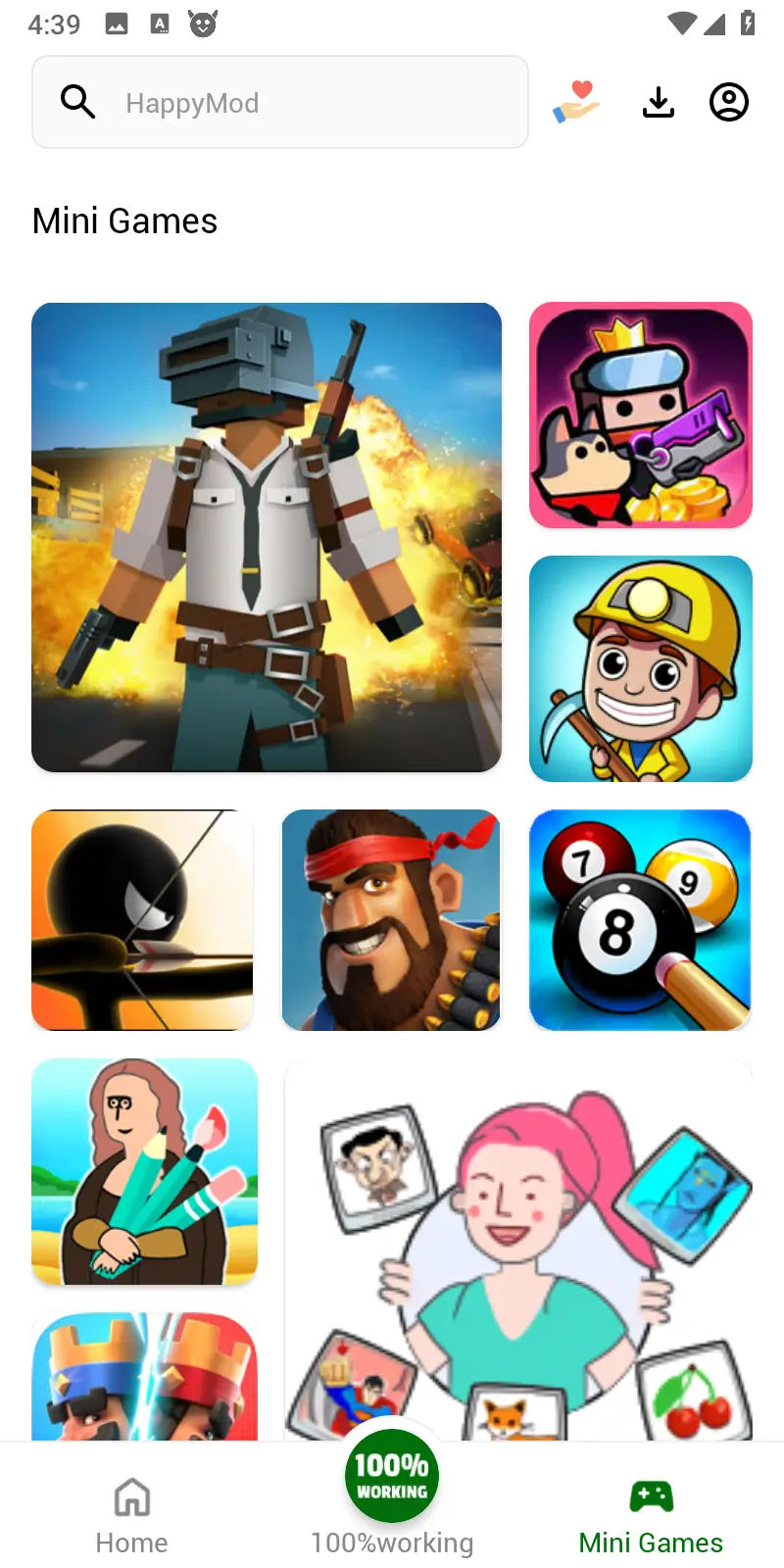
HappyMod is a popular third-party Android app store specializing in modified (MOD) versions of games and apps. These modified versions include features such as unlimited resources, unlocked levels, adjusted in-app purchases, and ad removal. User reviews help you quickly find more stable and user-friendly versions.

What is HappyMod?

Looking for modded games? HappyMod helps you find and download modified Android apps and games. Unlike standard app stores, we list MOD versions and explain what's changed—added features, removed ads, or gameplay tweaks—plus version history, update notes, and compatibility info.

What sets us apart? Our community feedback system. Rate and comment on each MOD to help others compare versions and pick the right one. Here, you'll find a trusted download source with the latest details, guides, and updates.

  • 300,000+ modded games and apps ready to download.
  • Multiple versions of each game so you can pick your favorite.
  • Everything is free to download.

About HappyMod Team

Behind HappyMod is a team with years of experience in mobile applications and games. We consist of seasoned developers, content moderation experts, security engineers—working closely with the global community daily to ensure every mod is fun, stable, and secure.

We focus not only on the technology itself but also on user experience: from mod compatibility testing to community feedback response, and continuous optimization of our categorization system and recommendation algorithms, the HappyMod team's core mission is to "enable global users to discover high-quality mods with greater confidence and efficiency."

For us, HappyMod is more than just a tool; it's a community of modding enthusiasts involving tens of millions of users. We believe that an open community, transparent rules, and continuous improvement can maintain the vitality and order of the modding world. It is this unwavering pursuit of quality and innovation that makes HappyMod stand out among numerous platforms and become the preferred gathering place for modding enthusiasts worldwide.

HappyMod Team

A professional technical team ensures worry-free downloads.

Behind HappyMod is a technical and security team familiar with the Android platform and mod mechanisms. They are responsible for optimizing the download and installation process and performing functional and basic security checks on popular mods to minimize crashes, freezes, and potential risks.

Once community users report problematic versions, we promptly mark, remove, or update them, and continuously follow up based on actual usage. This is done to ensure that every download is more stable and worry-free without affecting your gaming experience.

A Product and Content Team in Sync with Players

HappyMod's product and content team consistently focuses on players' real needs and usage habits. They are responsible for creating a clear category structure, selecting the most popular mods, and adding key information such as version details, device compatibility, and usage suggestions to the product details page.

Whether you're concerned about "whether it will run on the new system" or "whether it will lag on an older phone," you can quickly determine if it's right for you through community ratings, reviews, and tags, allowing new users to avoid pitfalls and detours.

Continuous iteration keeps HappyMod at the forefront.

The HappyMod team maintains a rapid pace of iteration—constantly adjusting recommendation algorithms, adding new categories, and optimizing loading speed and interface interaction based on user behavior data and forum feedback. Behind every product update lies the suggestion and testing participation of community users.

We believe that a great platform should not be static. Whether expanding into more niche mod areas or refining the experience of HTML5 games and utility applications, the HappyMod team will work with global players to make this ecosystem more open, more efficient, and more fun.

Is HappyMod Safe?

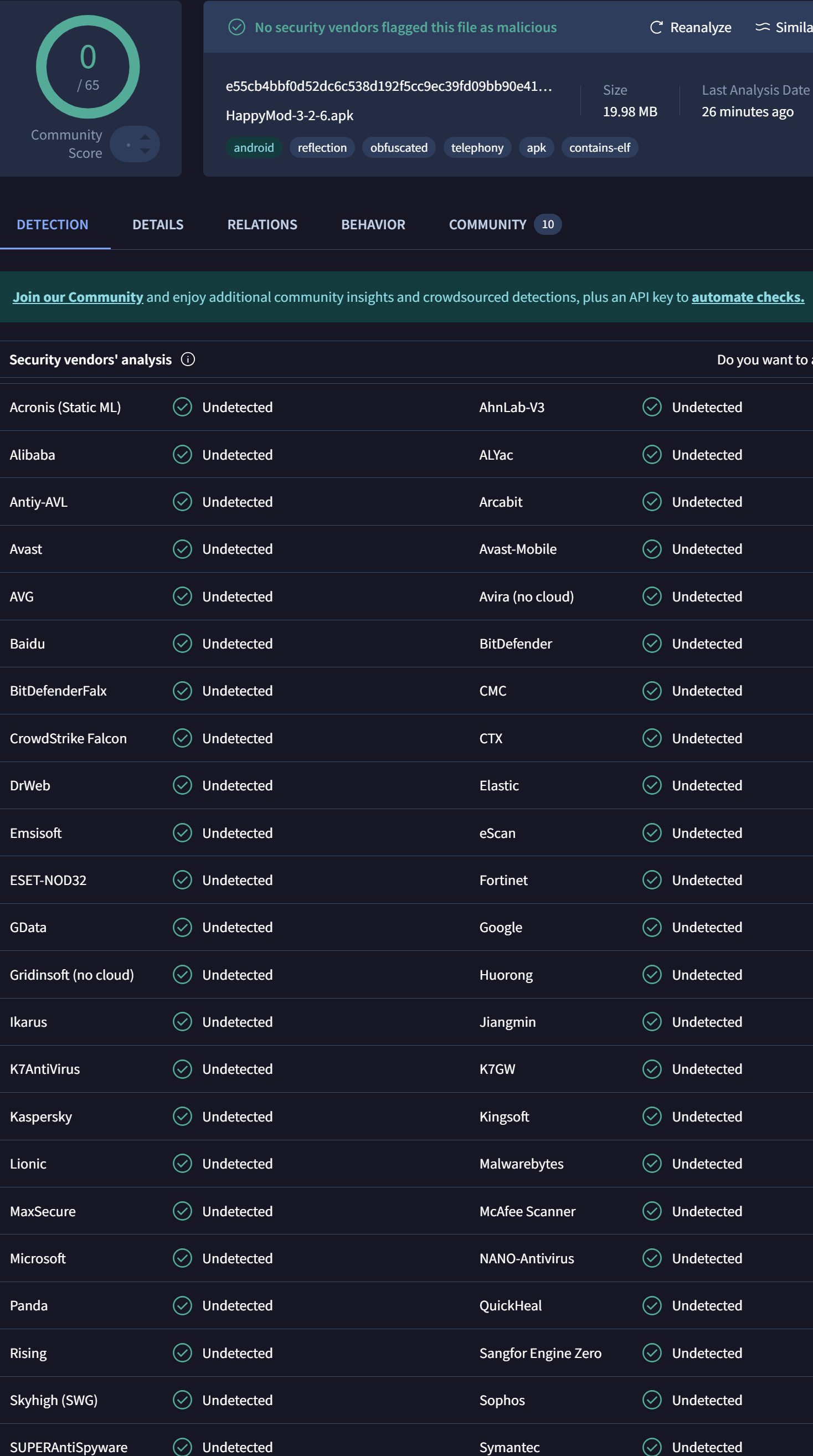
Security is our top priority. Every file on HappyMod gets scanned by 70+ antivirus engines, including McAfee, Lookout, VirusTotal, Bitdefender, and AVG. These scans catch high-risk files and filter out APKs with Trojans, spyware, or malicious code.

What HappyMod's Mod APK is Safe?

We highly value user concerns regarding APK security. HappyMod operates on the principle of "minimizing risk while maximizing playability," and has established a relatively rigorous security check process for every APK file on the platform (including original apps and mod versions). All user-uploaded APKs are scanned by multiple third-party antivirus engines before being made available for download, minimizing the possibility of viruses, Trojans, and malicious code. HappyMod uses dozens of different security engines to jointly detect APK files. This multi-engine scanning mechanism helps filter out files with obvious risks, making the versions retained on the platform more stable and usable.

It should be noted that no third-party app store can guarantee 100% zero risk. However, as the official platform, HappyMod continuously improves its security strategy: on the one hand, by reducing technical risks through multi-engine antivirus scanning and regular re-inspections; on the other hand, by relying on an active community feedback mechanism to promptly mark and remove versions reported by users as suspicious or problematic. For users who wish to experience mods, obtaining the APK from official HappyMod channels and then re-checking it with security software on their device is a relatively safer option.

HappyMod Info

Name HappyMod
Publisher HappyMod Official Team
Size 19.37 MB
Latest version 3.2.6
Released on Dec 15, 2025
Minimum Requirement Android 5.0+
Package id com.happymod.apk
Languages EN, AR, ES, PT, ID, RU, TR, DE, FR, TH, VI, IT, RO, KO, HE, JA, SQ, HU, CS, EL, BN, HI, MS, ML, KN, TA, TE, MR, BG, LV, SK, HR, SR, PL, NL, PA, GU, ZH
SHA256 e55cb4bbf0d52dc6c538d192f5cc9ec39fd09bb90e410ab198e66a1f7e0ff461
Security Status Scanned & Verified
Architecture armeabi-v7a, x86, arm64-v8a

Why Choose HappyMod?

HappyMod collects MOD descriptions, version info, and user reviews in one place. No more jumping between forums—find everything you need right here.

MOD Files

Centralized MOD Information

Browse MOD info on one page: names, features, versions, update dates, and file sizes. Instead of searching multiple sites, compare versions side-by-side and see what's changed—unlocked features, no ads, speed boosts, and more.

Compare Versions

Comparing the Original and Modified Versions

See how mods differ from originals. Compare gameplay, in-app purchases, difficulty, and ads. With version descriptions, changelogs, and compatibility tips, you can decide: stick with the stable original or try the modded features.

Community Feedback

Drawing on Community Feedback

Real user reviews tell you what to expect. See if a mod crashes, has too many ads, or requests weird permissions. Combine ratings with actual experiences to find versions worth trying and avoid risky downloads.

HappyMod vs Google Play & APKPure

The following comparison table presents the core differences between HappyMod, Google Play, and APKPure across multiple dimensions, you can better understand each platform's features, functionality, and use cases.

Comparison Aspect HappyMod Google Play APKPure
Specialization Specializes in MOD APKs and modified apps, offering enhanced versions with unlocked features, ad removal, unlimited resources, and more. Official Android app store providing original apps and games published by developers. Third-party app distribution platform primarily offering original APK mirrors and historical versions for download.
Content Type MOD APKs, modified games and apps featuring premium unlocks, unlimited coins, ad removal, and more. Original APKs, officially published licensed apps and games. Original APKs, including delisted apps and historical versions.
Security Scanning Multi-antivirus engine scanning (70+ security engines), including McAfee, VirusTotal, Bitdefender, and more. Rigorous automated security scanning with Google Play Protect real-time protection mechanisms. Basic security checks, scanning mechanisms vary depending on app source.
Access/Cost Model Predominantly free access, MOD versions typically unlock paid features without requiring in-app purchases. Free apps + in-app purchases, paid apps require purchase before download. Free download of original apps, paid apps still require purchase through official channels.
Installation Method Install via HappyMod client or manually download APK files for installation. Direct, seamless installation with automatic dependency handling and updates. Manual APK file download, requires enabling unknown sources for installation.
Discovery Focus Focus on discovering and managing MOD versions, providing version comparisons, user reviews, and compatibility information. Broad discovery of all types of official apps, including games, tools, social apps, and more. Provides original app search and historical version downloads, suitable for users needing specific versions.
Content Submission Content primarily submitted by MOD creators and community users, published after platform review. Direct publishing channel for official developers, requires Google Developer account approval. Scraped from official channels or maintained with developer authorization, some content uploaded by users.
Platform Nature Third-party MOD app store specializing in modified apps and games. Official and legitimate Android app marketplace operated by Google. Third-party app distribution platform providing original APK download services.
Target User Users seeking unlocked features, ad removal, unlimited resources, and MOD enthusiasts. General Android users looking for official apps and games. Users needing to download specific versions or delisted apps.

Features Comparison

Features HappyMod Google Play APKPure
Paid Games
Paid Apps
In-game Purchases
Ads
Premium Unlocked
Unlimited Resources
Working Mods
Regular Updates

Summary

HappyMod specializes in providing MOD APKs and modified apps, suitable for users seeking unlocked features, ad removal, and unlimited resources. Google Play, as the official app store, offers the safest and most stable original app download experience. APKPure primarily serves users who need to download specific versions or delisted apps. The choice of platform depends on your specific needs, risk tolerance, and use case.

HappyMod Features

Huge MOD Library

Over 300,000 MODs for casual, action, strategy, and utility games. Unlock content, remove ads, get unlimited resources, and more.

Community Tested

Real users test and rate every MOD. Working versions get marked clearly, broken ones get removed. No guesswork—see what actually works.

Fast Downloads

Global servers and CDN technology mean quick downloads no matter where you are. Even large game mods download smoothly.

Lightweight & Clean

Small app size works great on older phones. Simple interface with minimal ads so you can focus on finding mods, not fighting pop-ups.

Security Checks

Every upload gets scanned. User reports flag risky files quickly. We mark or remove problematic mods to keep downloads safe.

Free & Multi-Language

Everything's free. Search by category, tags, or keywords. Available in 36+ languages so users worldwide can enjoy mods in their language.

HappyMod works like this: users upload, the community tests, and we filter. The result? Tons of working mods, regular updates, and a balance between features, safety, and ease of use. If you want more gameplay options and unlocked features, this is the place to find them.

How to Download and Install HappyMod Apk?

Step 1 Securely Obtain the HappyMod Installation Package (APK File)

Visit the official HappyMod website (happymod.team) in your mobile browser. On the homepage, click the download button to obtain the latest and secure HappyMod.apk file.

Step 2 Enable "Unknown Sources" Installation Permission on Android

Since HappyMod is not available on Google Play, you need to allow installation from third-party sources before installation: Go to your phone's Settings → Security/Privacy → find "Install unknown apps" or "Allow from this source," and grant permission to your browser or file manager. In some newer Android versions, the path may be: Settings → Apps & notifications → Special app permissions → Install unknown apps, and check "Allow" for the corresponding app.

Step 3 Install and Complete the Initial HappyMod Configuration

Locate the HappyMod.apk file you just obtained in "Downloads" or "File Manager," open it, and select install. Wait for the system to complete the installation process. After successful installation, open the app. Happymod offers support for 36+ languages. Simply select your desired language in the settings, grant network and storage permissions, then search for the game or application mod you need on the homepage, download it with one click, and follow the system prompts to complete the installation.

Strongly recommended :

Always download HappyMod from the official website. Only by obtaining the HappyMod APK from official and secure channels can you effectively reduce risks and ensure that the file is authentic, complete, and safe.

How to Download MOD Apps and Games from HappyMod?

HappyMod makes it easy to find safe and working MOD APKs for your favorite apps and games. Follow the steps below to complete your HappyMod download and start using premium features for free.

Search MOD

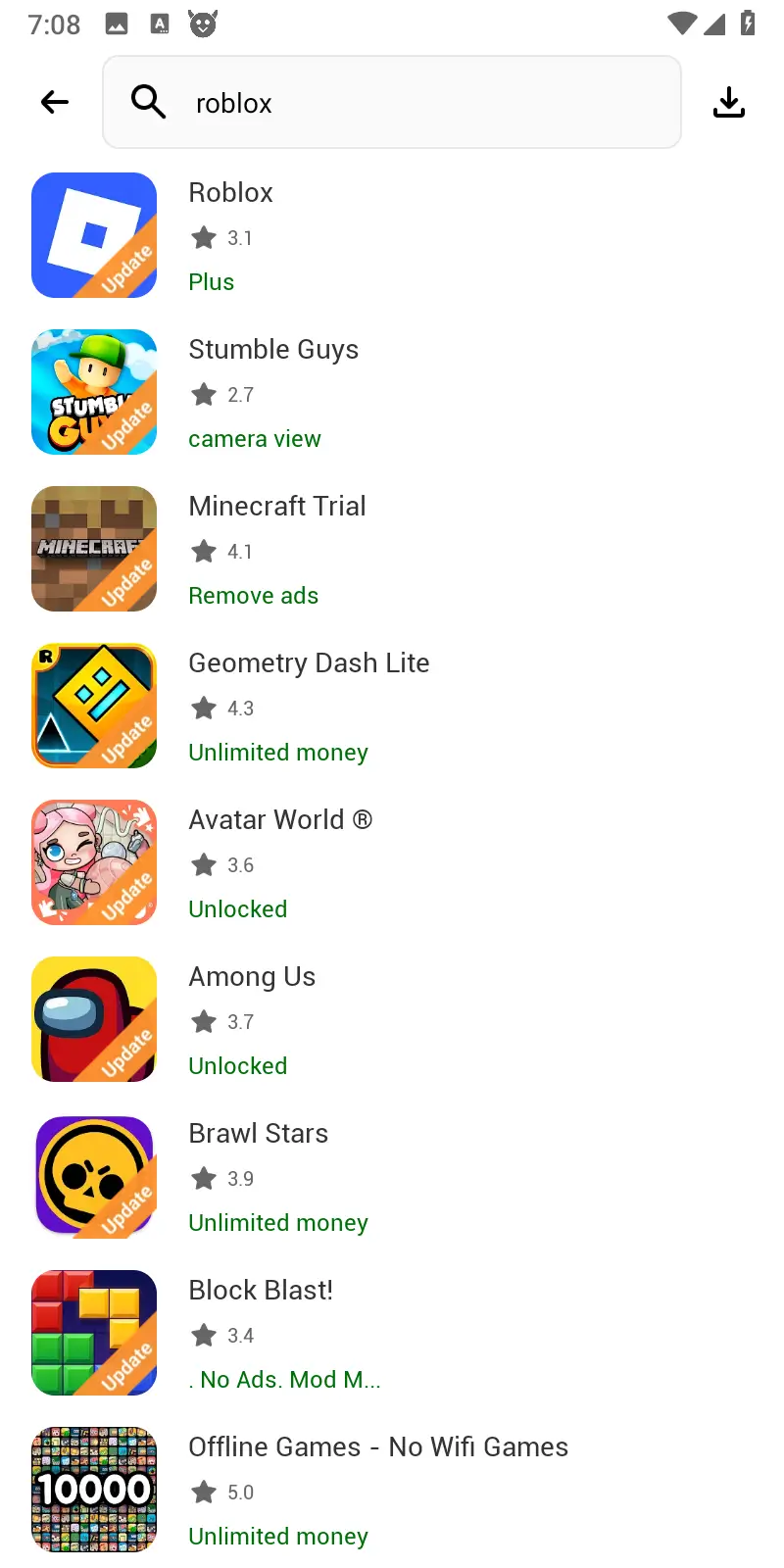
Open HappyMod APP and search for the app or game

Launch the HappyMod app and type the name of the app or game you want into the search bar. Browse the list of available MOD APKs, paying attention to version, features (unlimited money, unlocked items, no ads, etc.) and user ratings.

Choose MOD

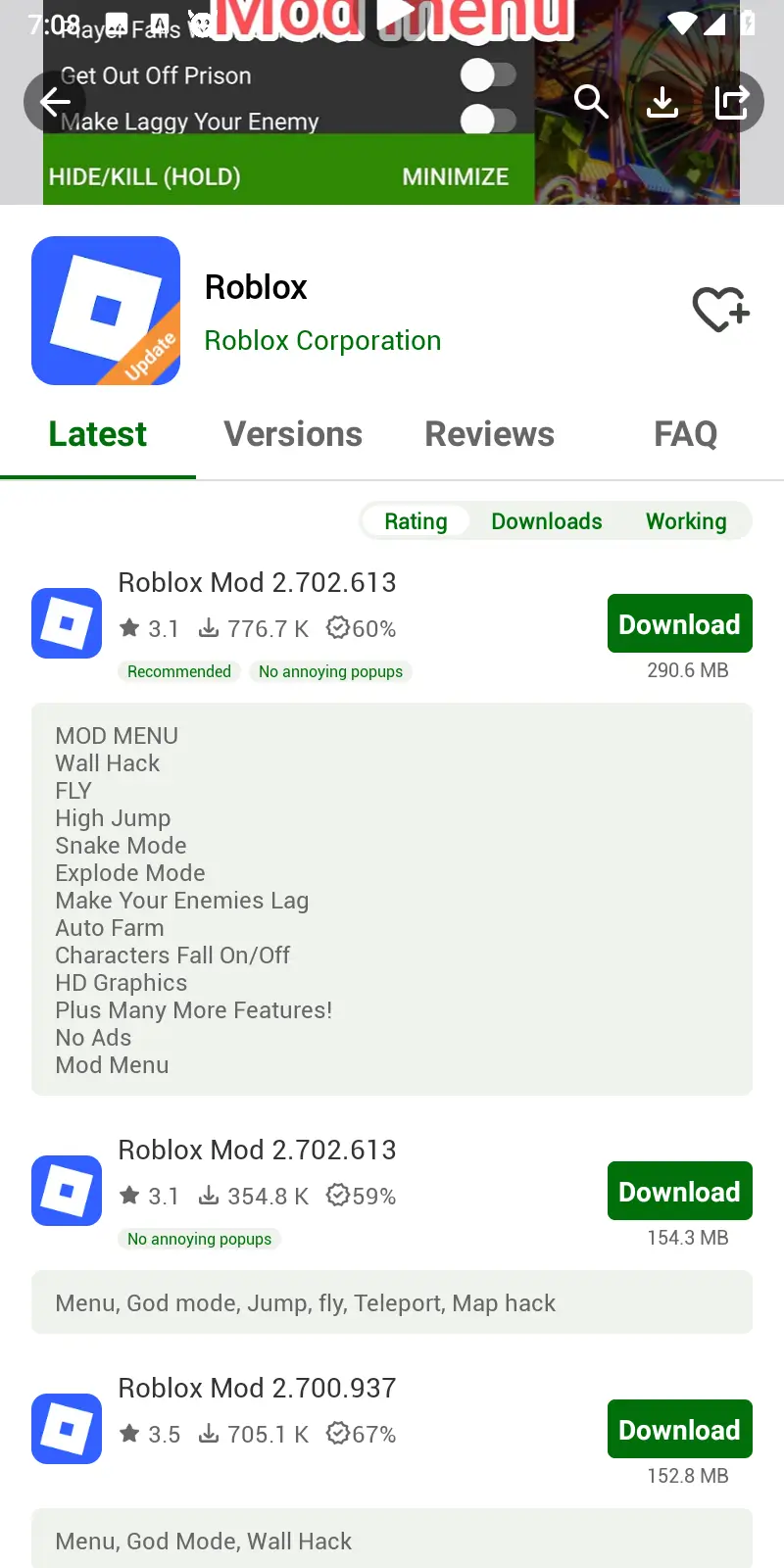
Choose a working MOD and start the HappyMod download

Select a MOD marked as "working" or with high positive feedback. Tap the Download button to start your HappyMod download. If prompted, allow storage and network permissions so the APK file can be saved correctly. Wait until the download finishes before proceeding to installation.

Install MOD

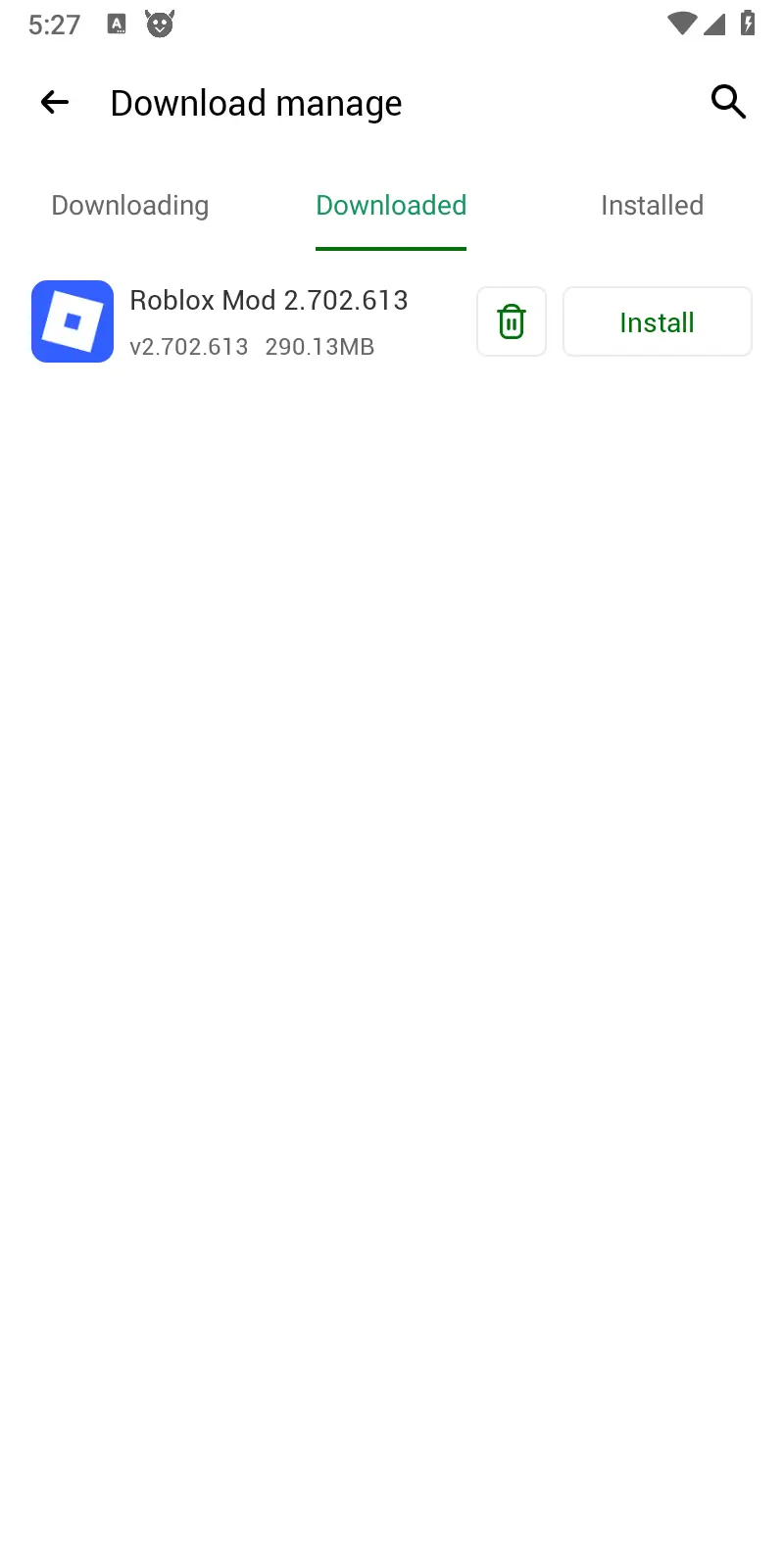
Install the MOD APK and enjoy the game

Open your device's Downloads folder or file manager, locate the MOD APK you just downloaded, and tap it to start the installation. If your phone blocks the install, enable "Install from unknown sources" for your browser or file manager in Settings. Once installed, open the game or app, confirm that the MOD features are active, and enjoy the enhanced experience.

How to Create Account?

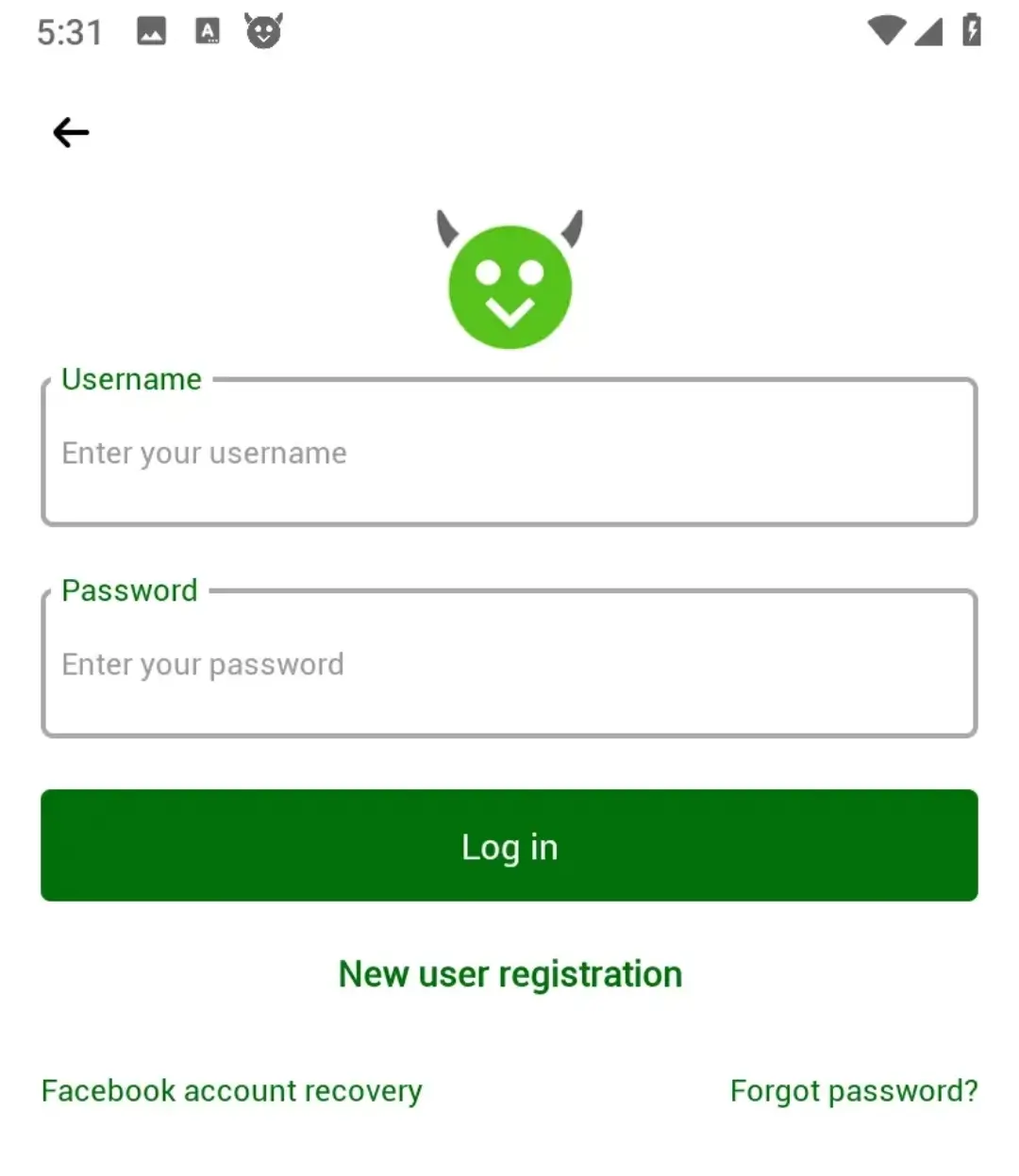
Open the HappyMod app, tap the profile icon in the upper right corner, and select "Register" or "Create Account." Enter a valid email address, set a strong password, and read and agree to the Terms of Service and Privacy Policy to complete registration. After creating an account, you can sync your favorites, manage your download history, and receive update notifications. While you can use HappyMod without creating an account, registering provides a better user experience.

Create account

Language Support

The HappyMod platform offers comprehensive multilingual support to ensure users in different regions can easily access the platform and enjoy a good user experience. If you would like to obtain support for other languages, please contact us.

English العربية Espanol Português Indonesia русский Türk Deutsch Français ภาษาไทย Tiếng Việt Italia România 한국어 עברית 日本語 shqiptar magyar Česky Ελληνικά বাংলা ভাষা हिन्दी Melayu മലയാളം ಕನ್ನಡ தமிழ் மொழி తెలుగు मराठी български Latviešu valoda slovenského jazyk hrvatski Cербиан Polski Nederlands ਪੰਜਾਬੀ ગુજરાતી 简体中文 繁体中文

FAQ

What is HappyMod? Is it safe?
HappyMod is a platform where you can download modded Android games and apps. Files get scanned by volunteers, users rate everything, and we filter out risky content. Always download from official sites like happymod.team for the safest experience.
How do I download HappyMod?
Go to happymod.team and click the download button. Make sure the site uses HTTPS and the file is around 18-20MB. Then enable "Install from Unknown Sources" in your phone settings before installing.
What Android versions are supported?
Android 5.0 or newer. We support up to Android 14. Keep your system updated for the best experience.
How do I find and download MOD apps?
Open the app, search for your game, pick a version marked "working" with good ratings, then download. Each MOD shows what it offers—unlimited coins, no ads, unlocked content, and more.
Can MODs get my game account banned?
Online competitive games might ban you. Stick to single-player games or games that allow mods. Check game terms before using MODs in multiplayer. We mark risky games on MOD pages.
Is HappyMod free to use?
Yes, completely free. All MODs are free to download. No account needed to browse or download. Accounts just let you sync favorites and manage download history.
How can I stay safe when downloading?
Download from official sites only. Check user ratings and comments before downloading. Run your antivirus scan after downloading. Avoid versions with lots of negative reviews.
What's different from Google Play?
Google Play has official apps. HappyMod has modded versions with unlocked features, no ads, and unlimited resources. More freedom, but you need to check risks yourself. We verify content through community testing.
Do I need an account?
No account needed to browse or download. Tap the profile icon, choose "Register," enter email and password, agree to terms. Accounts let you sync favorites and get update notifications.
Why can't I download some MODs?
The version might be removed, outdated, or needs a specific Android version. Try other versions of that game, check user comments for working versions, or wait for updates. Contact support if it keeps happening.
How do I update HappyMod?
Download the latest APK from the official site, same as the first install. The app may notify you about updates, or check the site manually. Updates bring bug fixes, security improvements, and new features.
What if a MOD doesn't work on my phone?
Try a different version of the same game. Check compatibility notes and user comments for your Android version. Some mods work better on newer phones, others on older ones. Uninstall the original app first if needed.

Conclusion

As the HappyMod official platform, we are committed to providing safe and reliable MOD application download services for Android users worldwide. Through official certified HappyMod download channels, users can access over 500,000+ community-verified modified games and applications. The HappyMod official platform employs multi-layer security mechanisms, including volunteer team virus scanning, continuous user feedback system monitoring, and a global distributed server network, ensuring the safety and availability of every HappyMod APK file.

Rate this app:
4.5/5 (1,001,267 ratings)